
3.3 Shutdown Guide
3.3.1 Hoisted Shutdown (Gantry Needed)
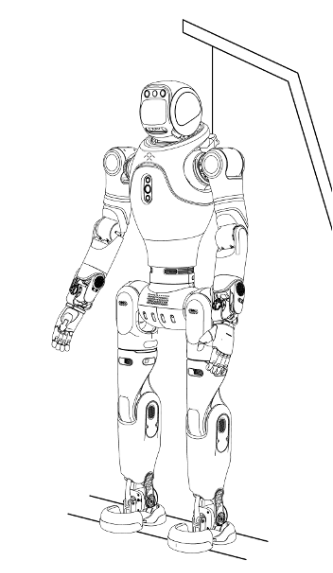
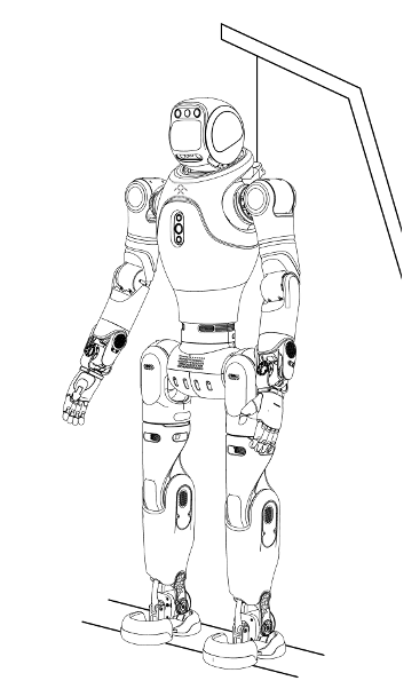
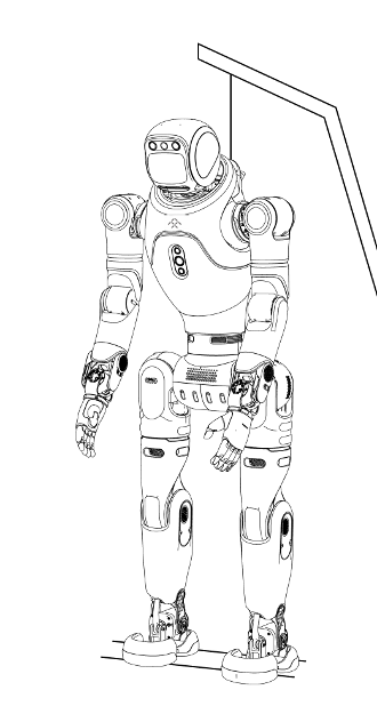
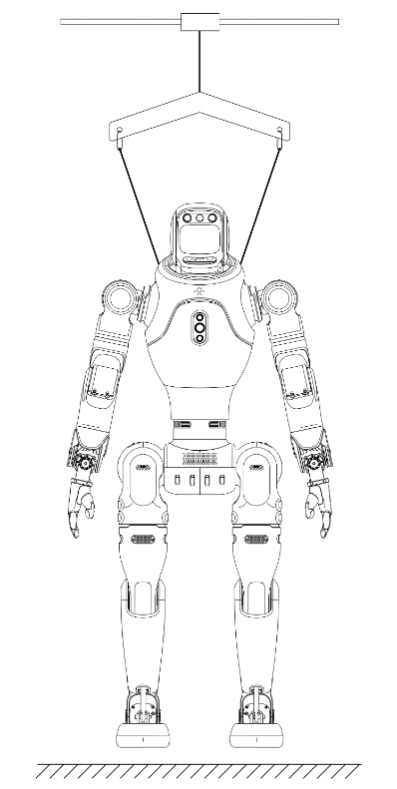
- Install the hoisting ring on the back of the robot and perform initial hoisting.
- Press
[L2 + X]to switch to standing preparation mode. - Recommended safe procedure:
- Short press
[L2 + R2 + Create]to switch to damping mode. - Then short press
[L1 + R1 + Create]to switch to zero-torque mode.
- Slowly hoist the robot until both feet are completely off the ground.
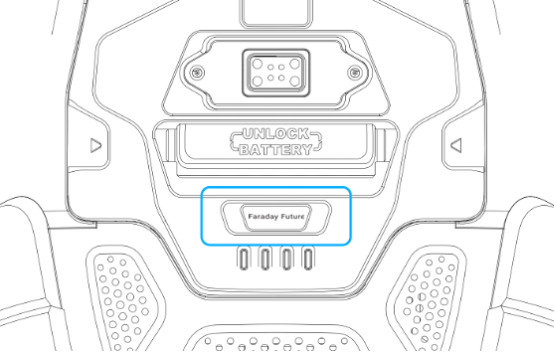
- Short press the power button to wake the device, then long press for about 5 seconds to power off.
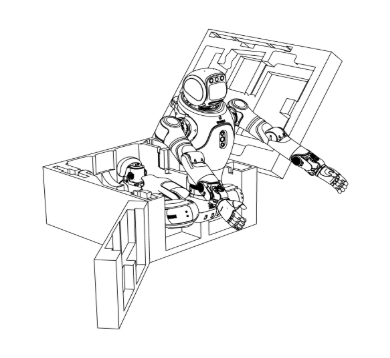
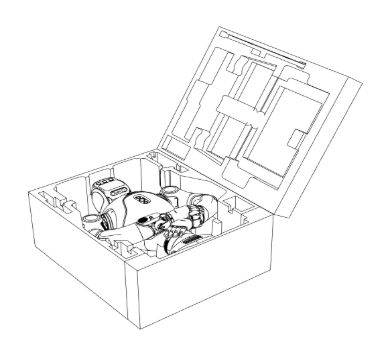
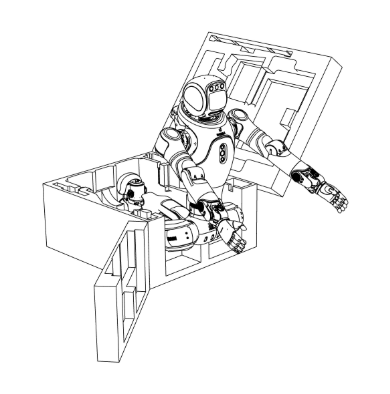
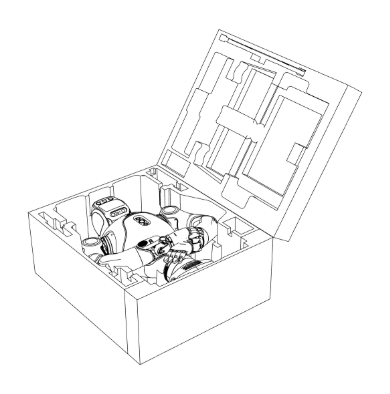
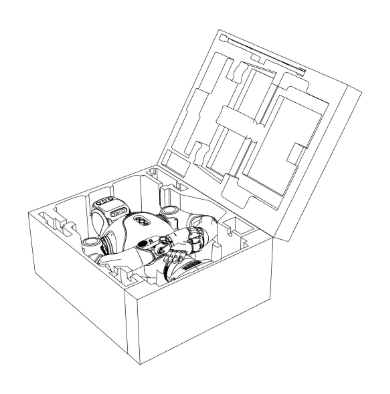
- Repack the robot in the box.
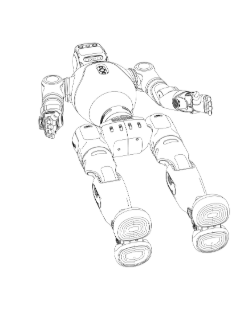
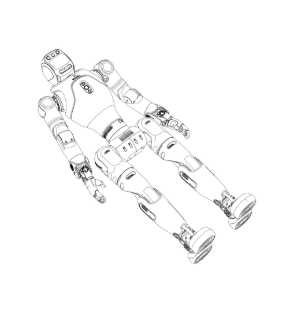
3.3.2 Assisted Lying-Down Shutdown (No Gantry Required)
- Short press
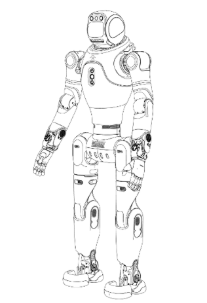
[L2 + X]to enter standing-preparation mode. - Manually support the robot and gently lay it flat on the ground.
- After confirming the robot is fully flat, switch first to damping mode and then to zero-torque mode.
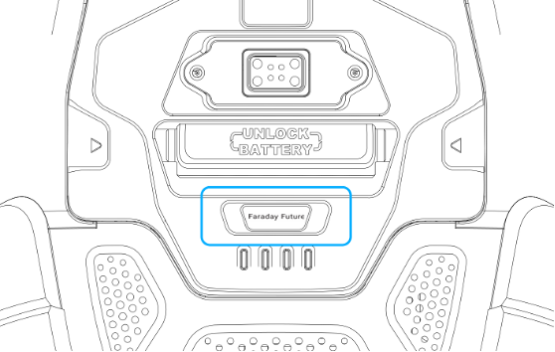
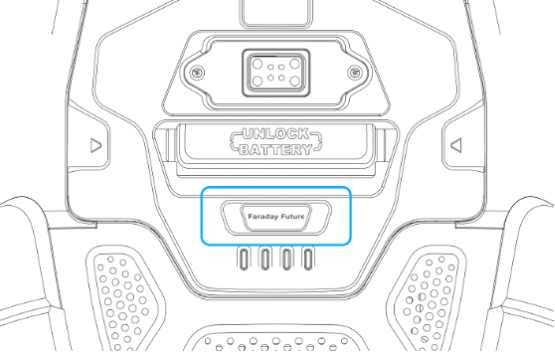
- Power off by long-pressing the battery power button.
- Repack the robot.
3.3.3 Sitting-Position Shutdown (No Gantry Required)
- Short press
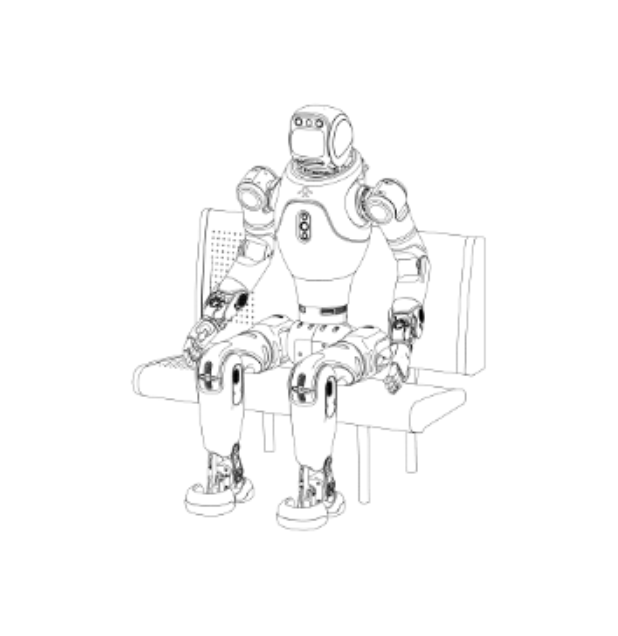
[L2 + Left]to make the robot perform the sitting motion. - Once the robot is in a stable sitting posture, switch to zero-torque mode using the recommended safe procedure.
- Long press the power button to power off.
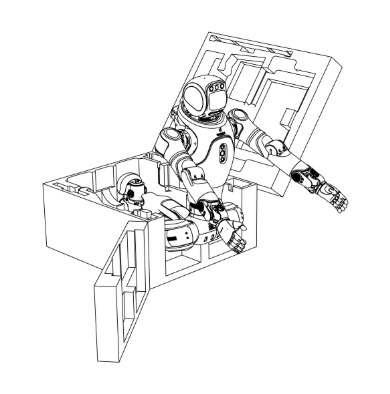
- Repack the robot.
Notes:
- During sitting shutdown, support the back handle or keep the robot leaning against the backrest to maintain balance and prevent tipping.