
3.2 Start-Up Guide
3.2.1 Start-Up with Hoisting (Gantry Needed)
Step 1: Hoist the Robot Body
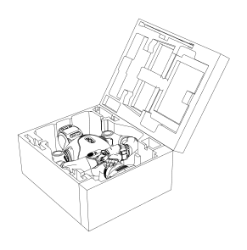
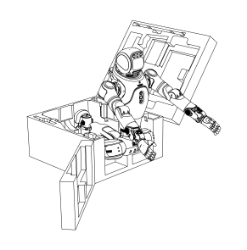
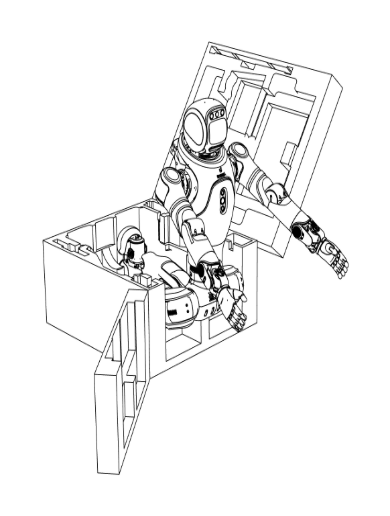
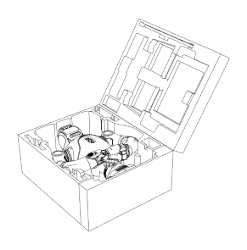
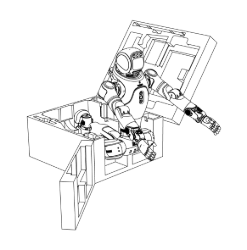
- Open the package and slowly lift the robot out.
- Use the protective lifting frame to suspend the robot naturally, ensuring that the feet do not touch the ground.
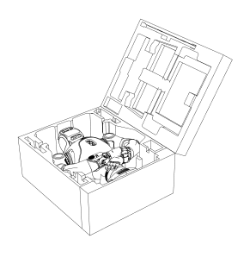
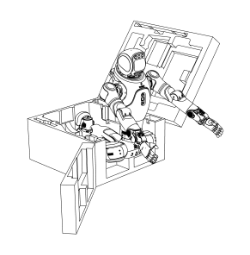
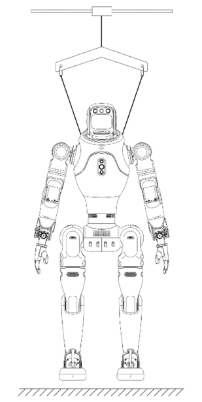
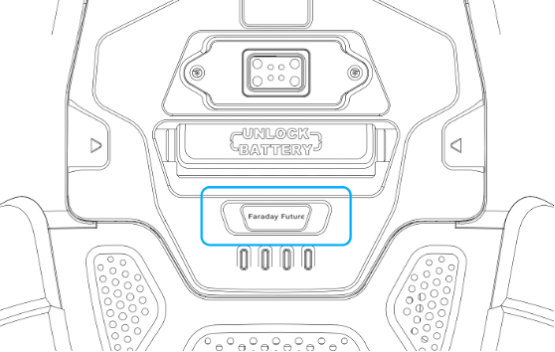
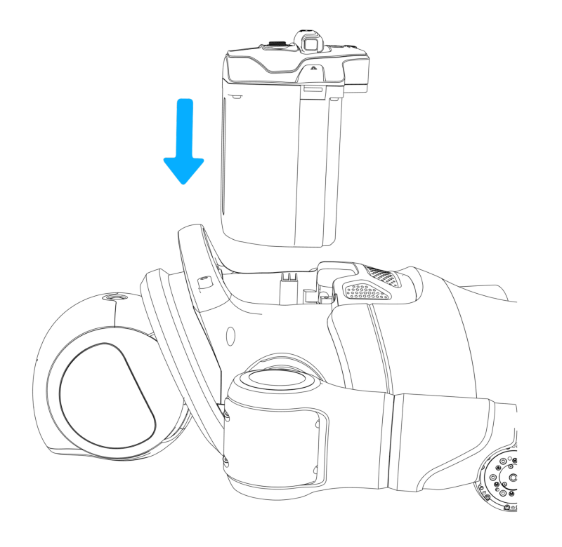
Step 2: Install the Battery
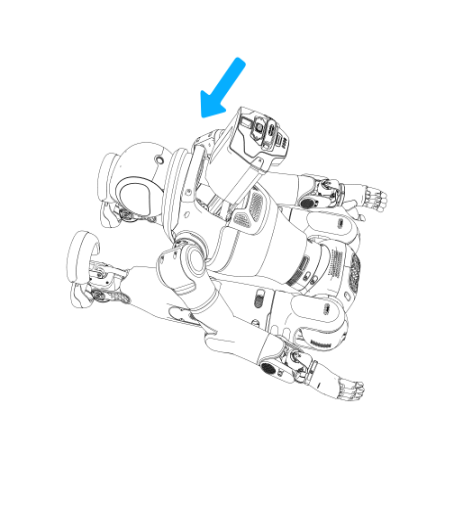
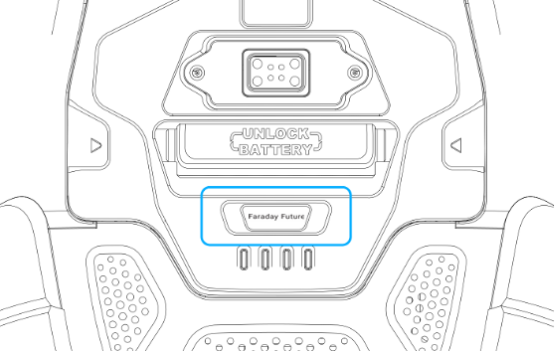
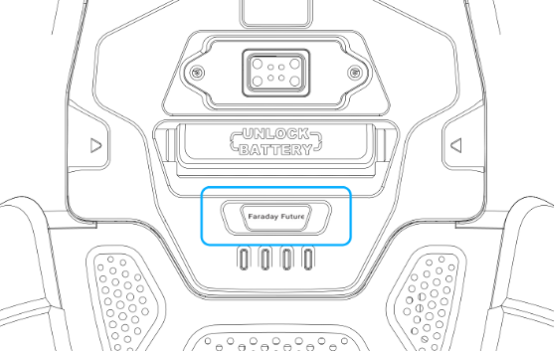
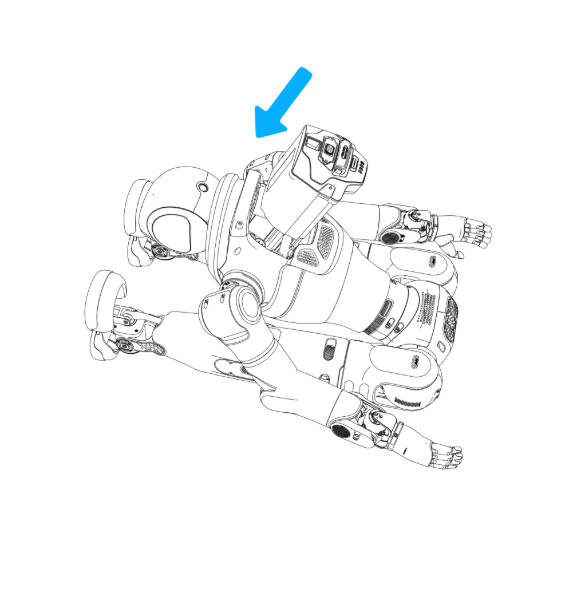
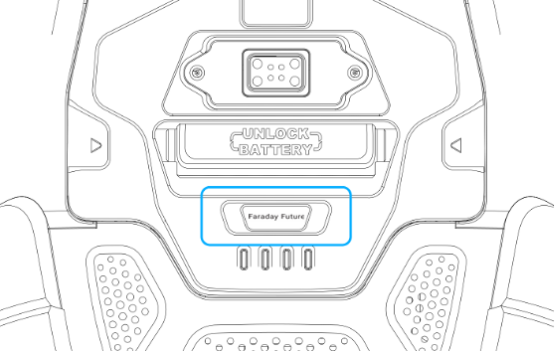
- Insert the battery into the rear battery slot.
- Push it down until you hear a click, then press lightly again to confirm it is locked.
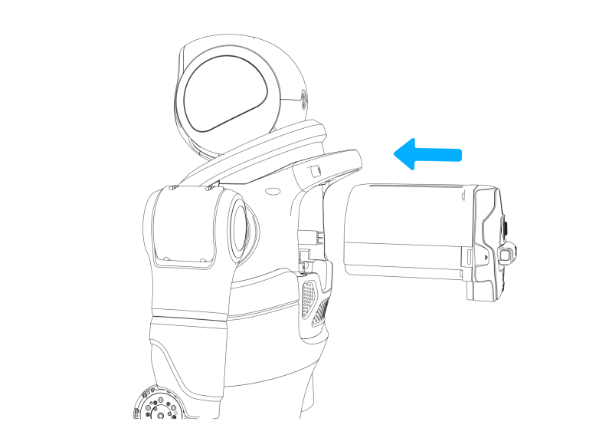
Step 3: Power On
- Ensure the battery level is at least two bars.
- Short press the power button to wake the system, then long press for 5 seconds to power on.
Step 4: Switch to Standing Preparation Mode
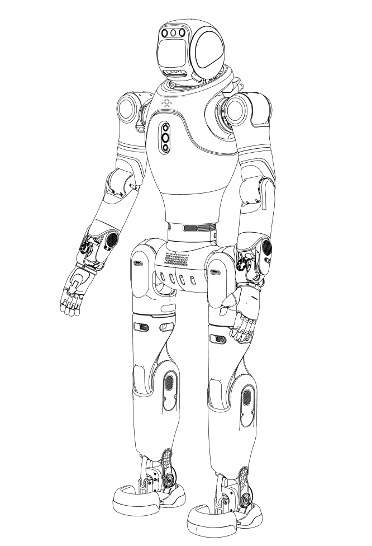
- After initialization, lower the suspension ropes until both feet fully contact the ground.
- Press
[L2 + X]on the remote controller to activate standing preparation mode.
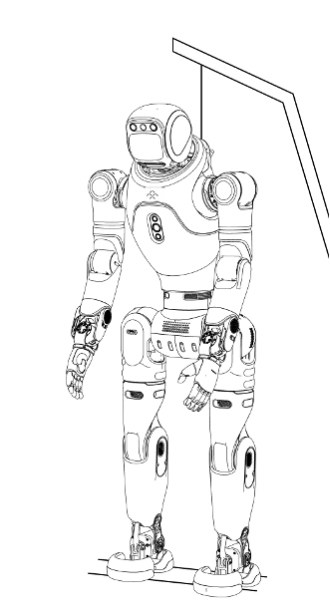
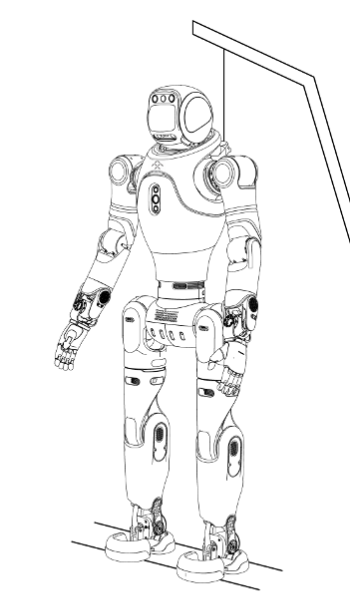
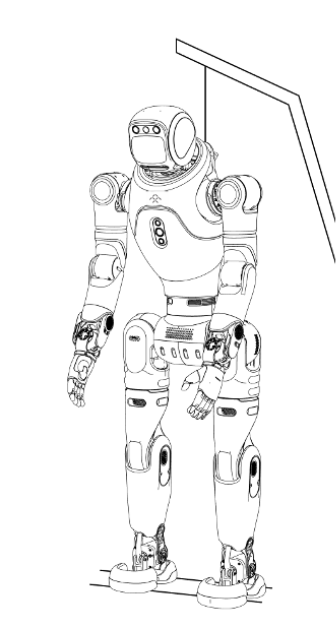
Step 5-7
- Slowly lower the robot until both feet are fully in contact with the ground.
- Press
[R2 + X]to enter stable standing mode. - Use the left and right sticks to enter locomotion mode and move.
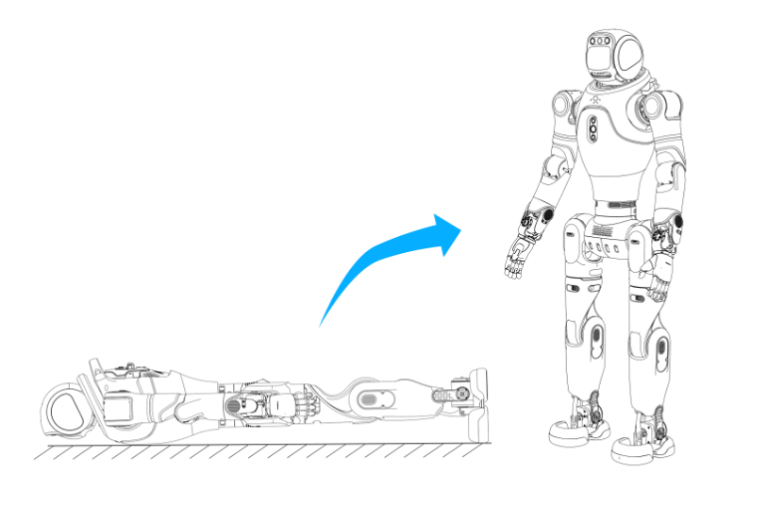
3.2.2 Start-Up from Supine Position (No Gantry Needed)
- Unbox and place the robot in folded posture.
- Install the battery and power on.
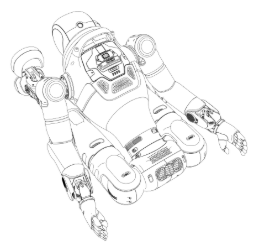
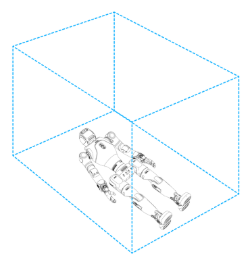
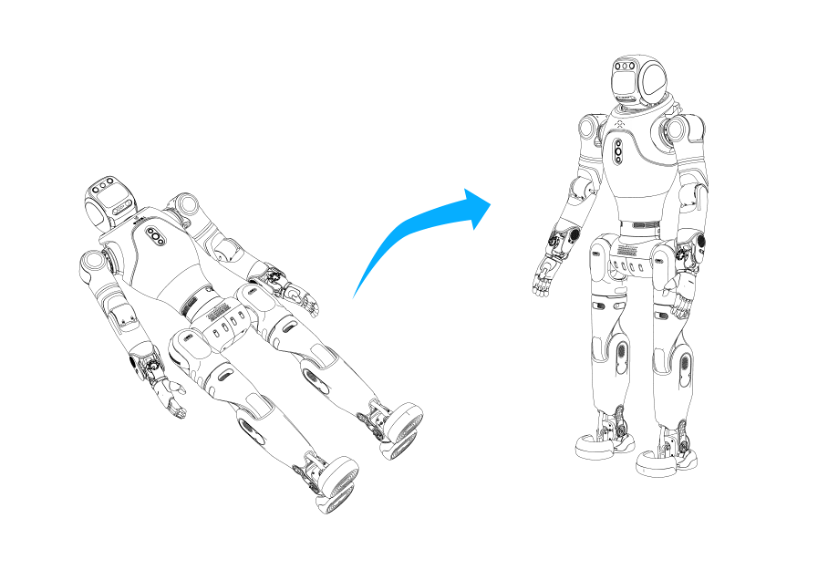
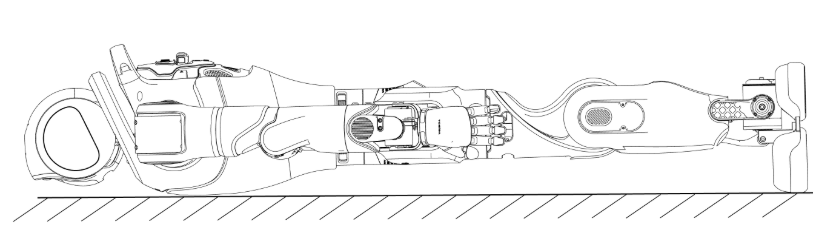
- Adjust the robot to a supine position with face upward and keep at least 0.5m of clear area around it.
- Short press
[Up + Triangle]to trigger the supine-to-stand motion.
Notes:
- Supine-to-stand is not supported when dexterous hands or grippers are attached.
- Place the robot on a flat, hard, level surface before the motion.
3.2.3 Start-up from Prone Position (No Gantry Device Required)
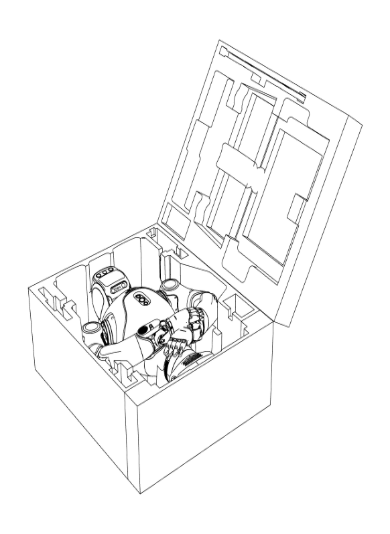
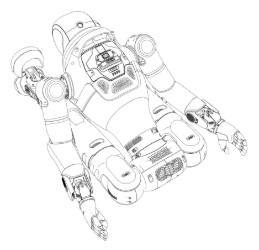
- Unbox and place the robot face-down on a level surface.
- Install the battery and power on.
- Press
[Up + Triangle]simultaneously to make the robot rise from prone position to standing.
3.2.4 Start-up from Sitting Position (No Gantry Device Required)
- Unbox and place the robot in folded posture.
- Install the battery and power on.
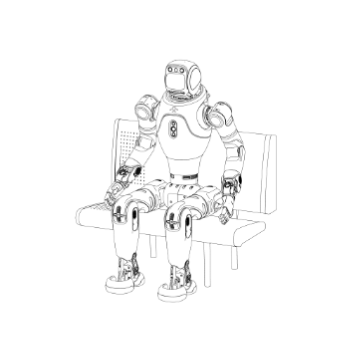
- Adjust the robot to a sitting position on a stable 35-40 cm high platform or bench.
- Short press
[Up + X]to enter sitting preparation mode. - Short press
[Up + Square]to execute sit-to-stand.
Notes:
- Before standing up, ensure the robot is securely placed on a stable 35-40 cm platform.
- Confirm both feet are fully in contact with the ground before executing the sit-to-stand motion.